


Advanced charting
21 timeframes, 38 built-in indicators and 44 analytical objects, with detachable charts.

Markets
Five markets.
One account.
Forex, metals, commodities, indices and crypto CFDs from one login.
Not sure which market fits you? Talk to our team, 24/7.
Accounts
Pick your pricing.
Keep the same execution.
Compare Standard, ECN and VIP side by side before you apply.
Compare at a glance
Full comparison| Account | Deposit | Spread |
|---|---|---|
| Standard | $50 | 1.2 |
| ECN For active traders | $500 | 0.0 |
| VIP | $50,000 | 0.00 |
Not sure which market fits you? Talk to our team, 24/7.
Platforms
MetaTrader 5.
Everywhere you trade.
One MT5 login on desktop, in your browser and on your phone.
Not sure which market fits you? Talk to our team, 24/7.
Tools
Plan every trade
before you place it
Trading conditions, hours, calendar, calculators and lessons. All free.
Get started
CalendarNot sure which market fits you? Talk to our team, 24/7.
Company
Transparent by design
Who we are, where we are registered and where we serve clients.
Not sure which market fits you? Talk to our team, 24/7.
Support
Real people.
Ready to help.
Search the Help Centre or talk to our team by chat, email or phone.
Not sure which market fits you? Talk to our team, 24/7.
MetaTrader 5 desktop
Advanced charting, every MT5 order type, Expert Advisors and the Strategy Tester, connected directly to your RosevaFX account.
Prefer not to install? Open WebTrader Get MT5 Mobile
Expert Advisors · Strategy Tester
21 timeframes · 38 indicators
Capabilities
MT5 desktop is the most complete way to trade with RosevaFX. We list what our servers support, nothing more.
21 timeframes, 38 built-in indicators and 44 analytical objects, with detachable charts.
Market, pending and stop orders with stop-loss, take-profit and trailing stops.
Build strategies in MQL5 and run them on your computer or a VPS.
Back-test and optimise EAs on historical data across multiple instruments.
See available liquidity and trade in one click, straight from the order book.
Set price alerts and review every action in the terminal journal.
Order types
Place instant market orders or let pending orders work for you. Attach protective stops to any position.
Accounts use hedging position accounting. Execution, stop levels and EA rules are set out in Trading Conditions.
View trading conditionsFilled immediately at the best available price.
Triggered automatically when price reaches your level.
Attach to new or open positions at any time.
Control how long a pending order stays active.
Expert Advisors and indicators
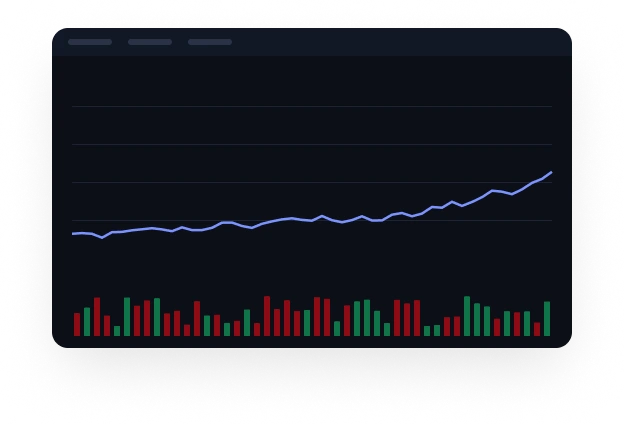
Run Expert Advisors and custom indicators written in MQL5, then prove them in the Strategy Tester before they trade live.
Download MT5
Every download is labelled by platform. We may suggest one for your device, but both stay available.
Windows 10 or later · 64-bit · .exe
From MetaQuotes
Installers come only from approved sources: this page or MetaQuotes directly.
Set up in four steps
Your MT5 account number arrives by email once your account is approved. You set your password in the client portal, never on this website.
Run the installer for your OS and follow the on-screen prompts.
In MT5, choose File > Login to Trade Account.
Type the server name from your welcome email and select it.
Enter your MT5 account number and trading password, then click Finish.
Use exactly these names. If the server does not appear, type the full name and press Enter.
FAQ
Still stuck? Send Support a screenshot of the MT5 Journal tab and we'll get you connected.
Contact supportType the full server name from your welcome email, into the search box and press Enter. If it still does not appear, check your internet connection or firewall, then contact Support.
Our support team can answer this for you. Contact support
Our support team can answer this for you. Contact support
Our support team can answer this for you. Contact support
Our support team can answer this for you. Contact support